UX/UI Case Study
Daikin Connect
Dealer App
Project Overview
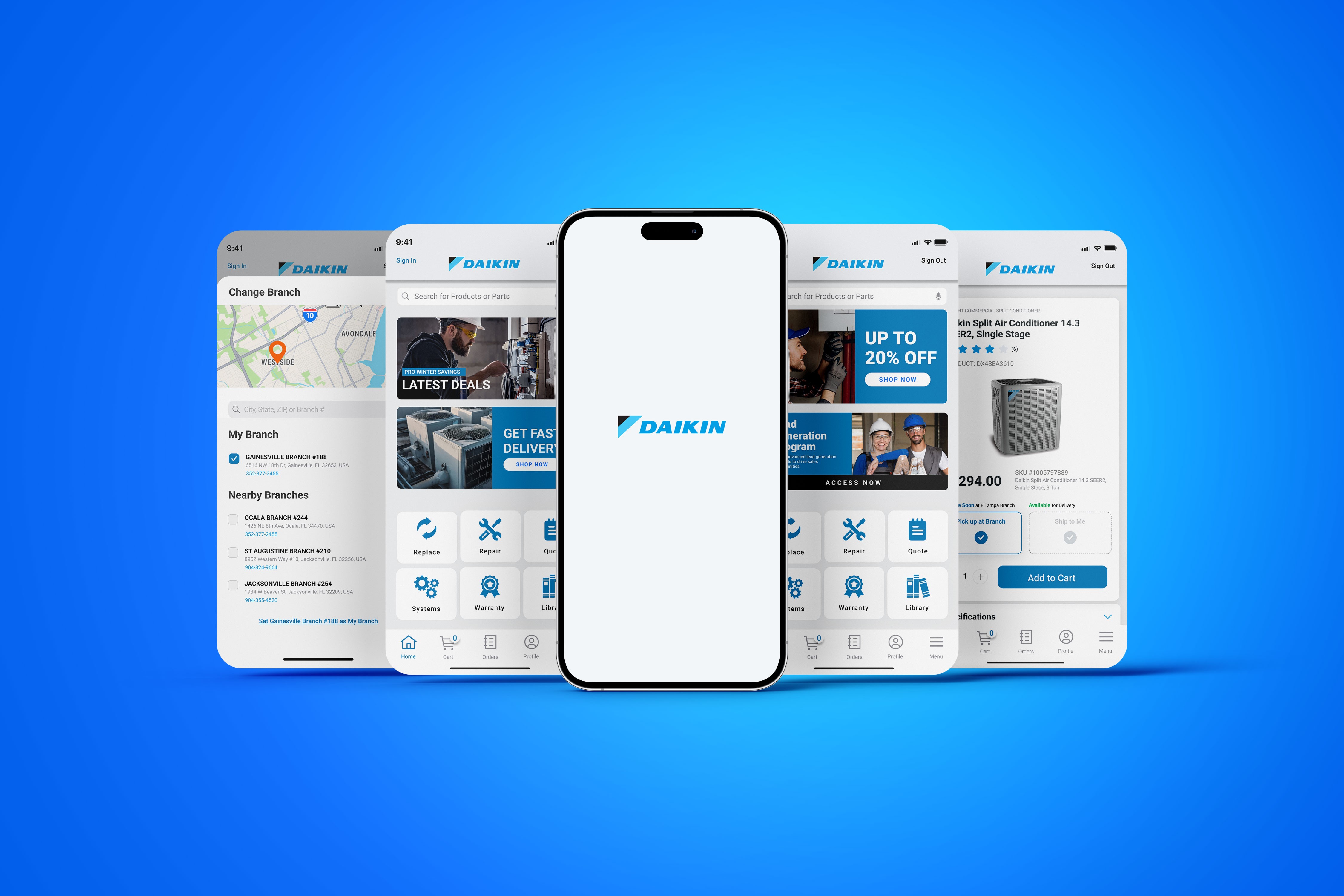
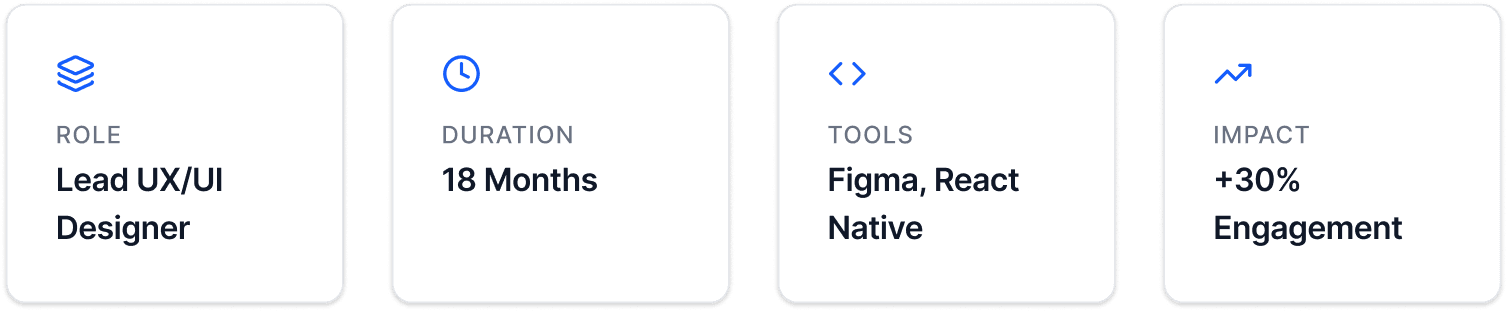
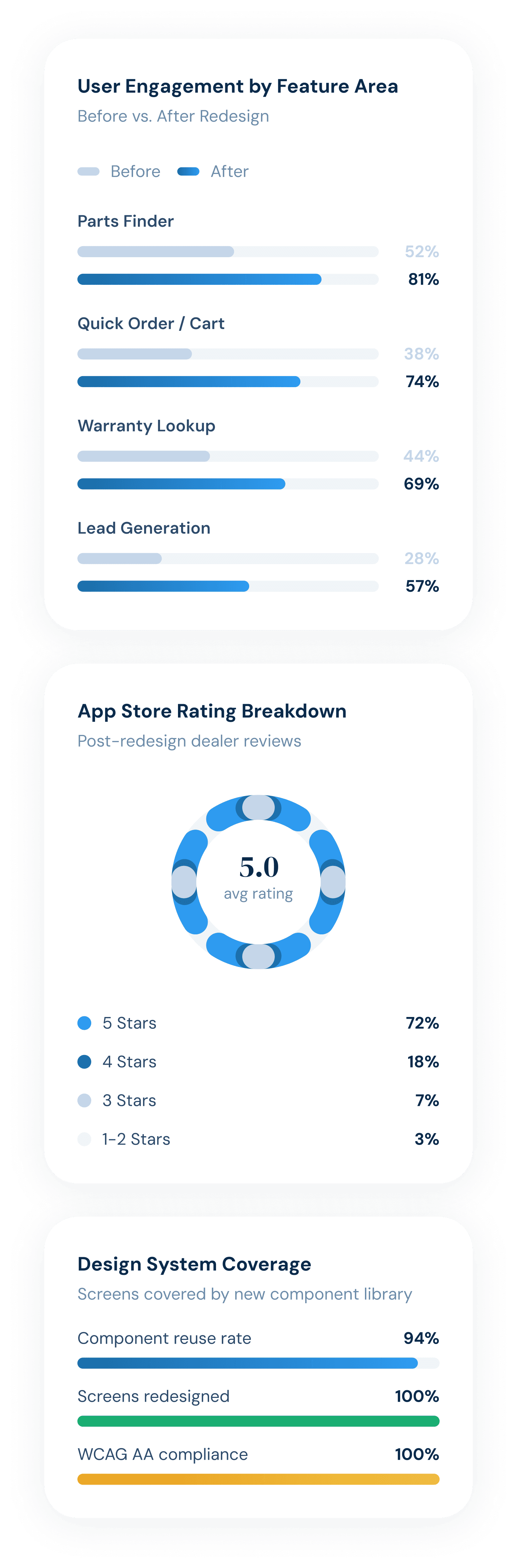
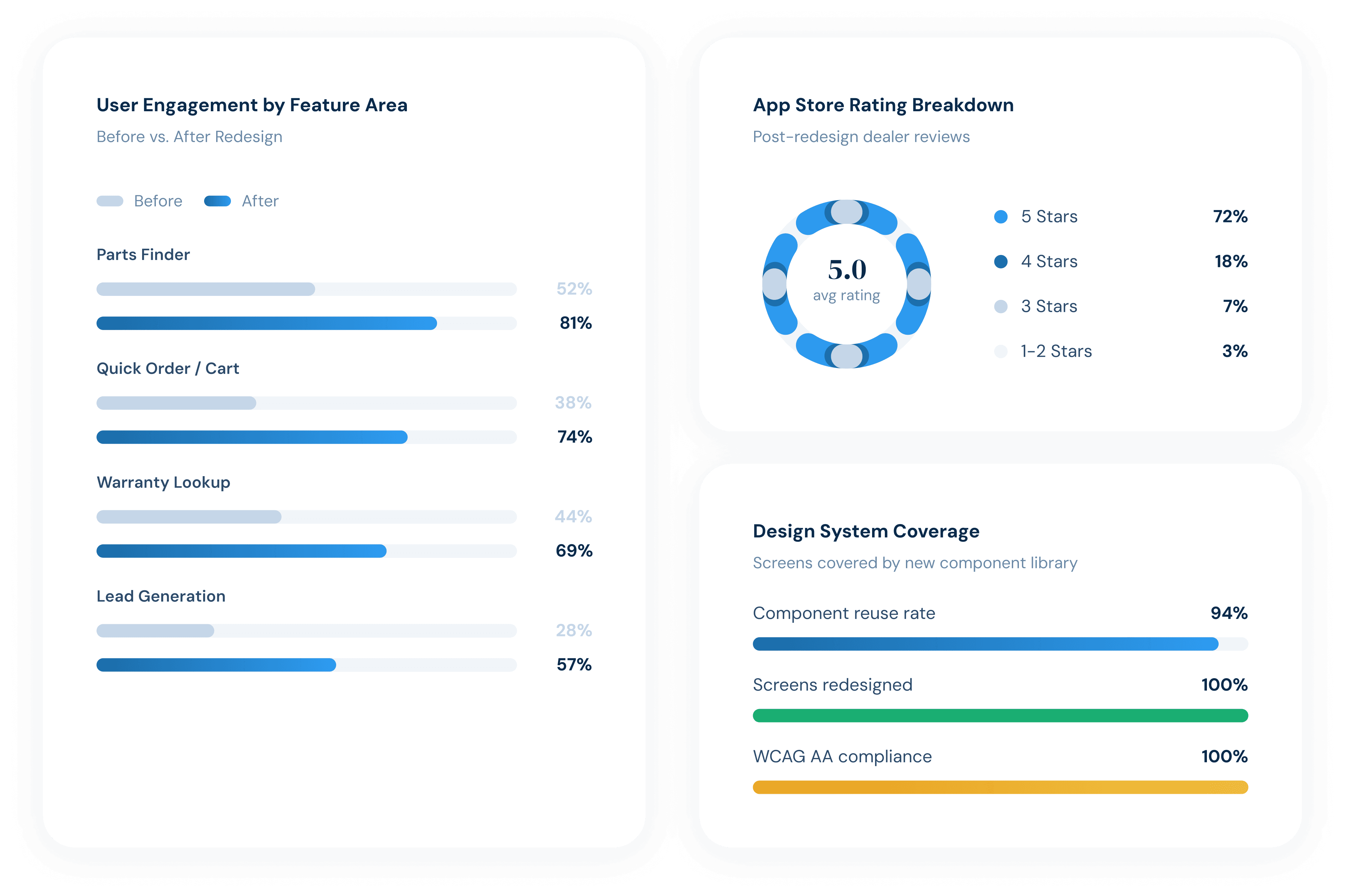
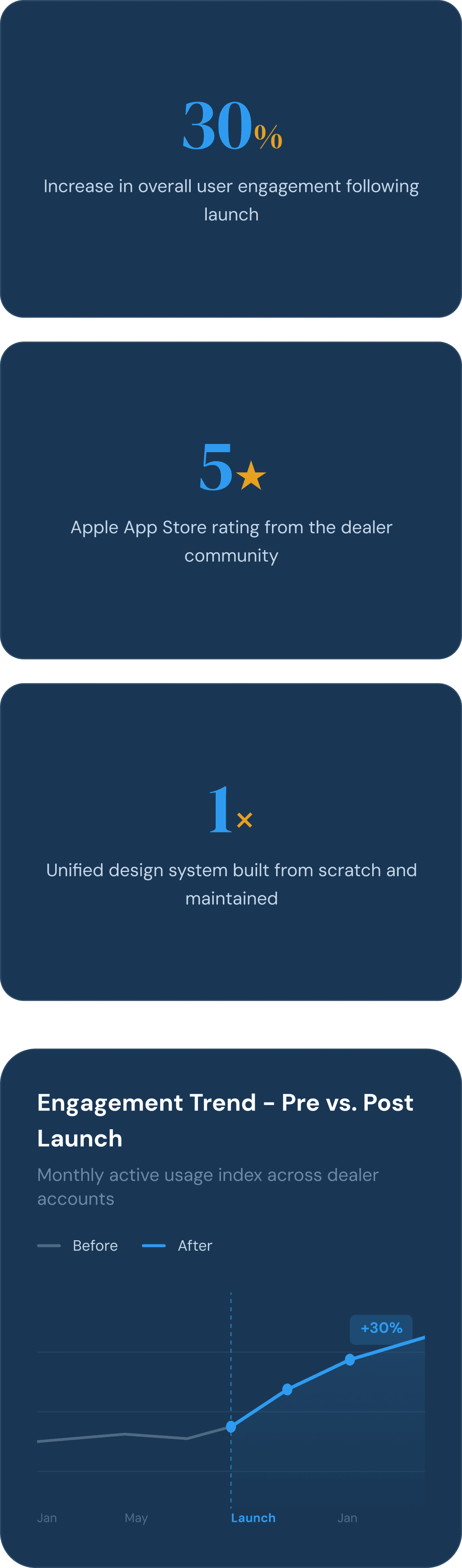
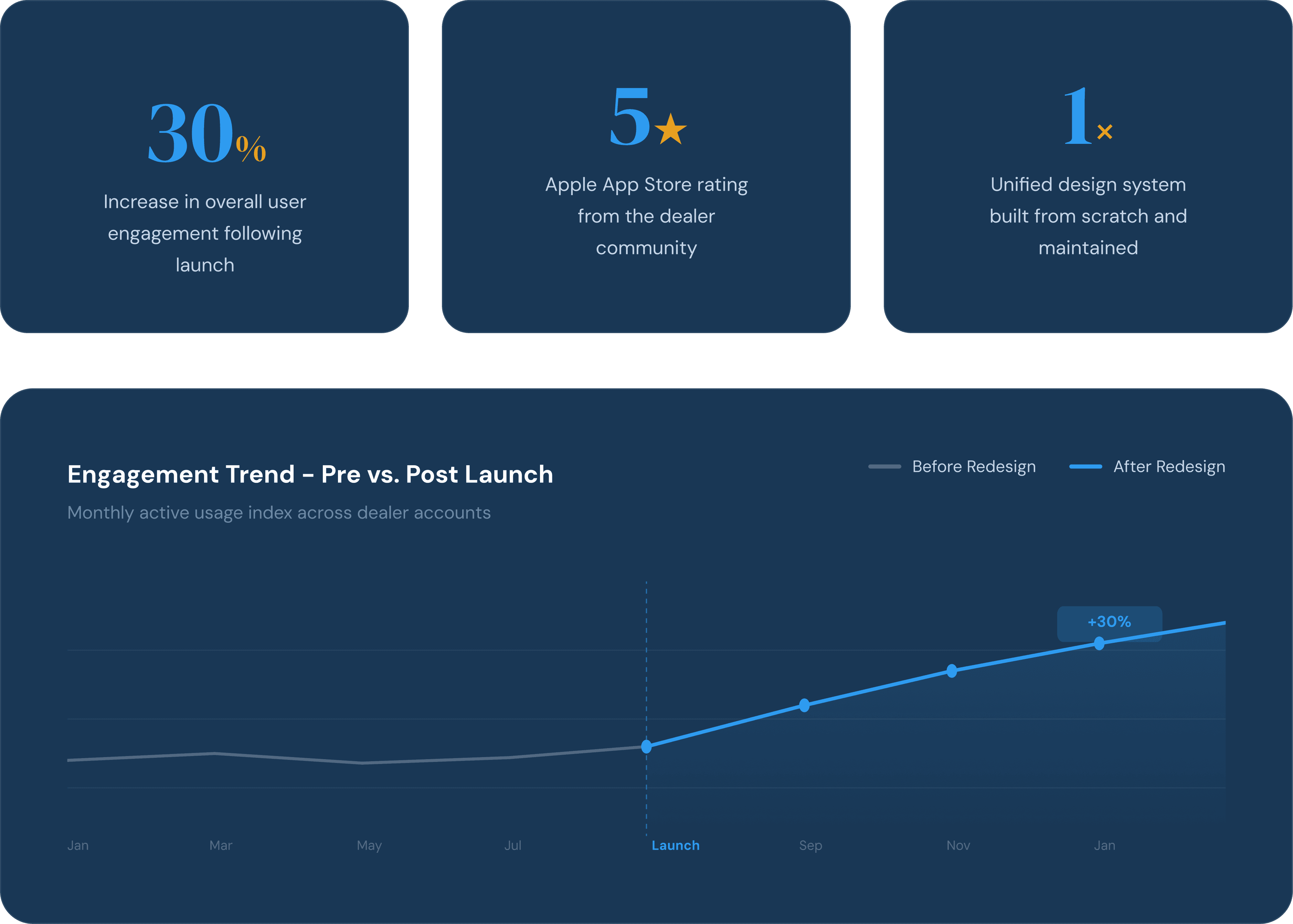
The Daikin Connect Dealer App was a B2B mobile platform serving HVAC technicians and dealer partners across the United States. Built on a legacy Goodman-branded system with years of inconsistent design decisions and buried navigation, the app made everyday dealer tasks unnecessarily difficult. Cascadian Software brought me in to lead the full end-to-end redesign, covering everything from UX audit and information architecture restructure through visual identity alignment, high-fidelity prototyping, and design system delivery. The result was a restructured home screen with a persistent quick-action grid, a branch-aware header giving dealers constant inventory context, a streamlined ordering flow, and a scalable Figma component library. Following launch, user engagement increased by 30% and the app earned a 5-star rating on the Apple App Store.
The Challenge
The Daikin Connect Dealer App served HVAC technicians and dealer partners who needed fast, reliable access to parts, ordering tools, warranty lookup, and service resources while working in the field. The existing platform was built on a legacy Goodman-branded system: the wrong brand, the wrong color, and the wrong UX for the people using it.
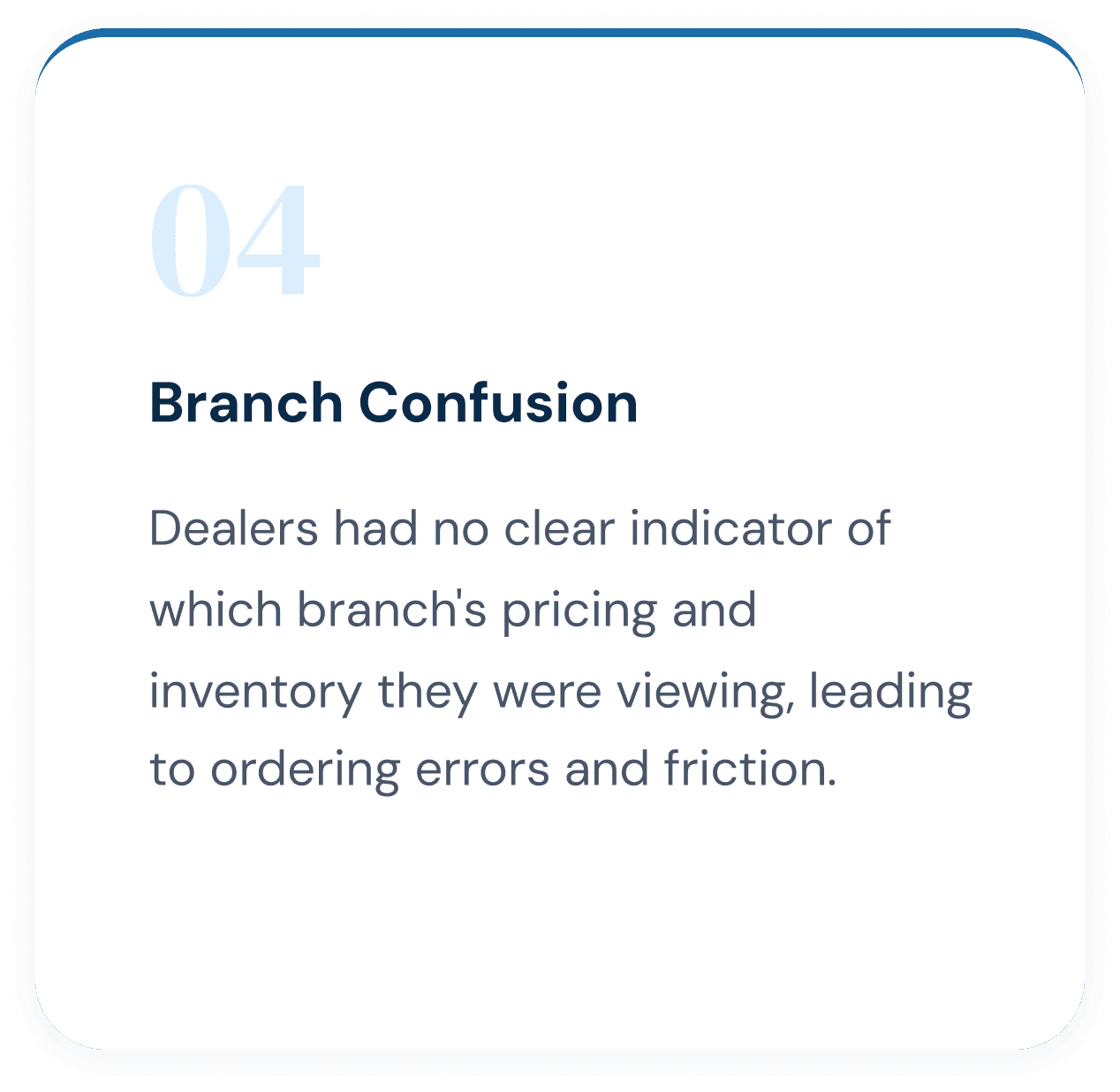
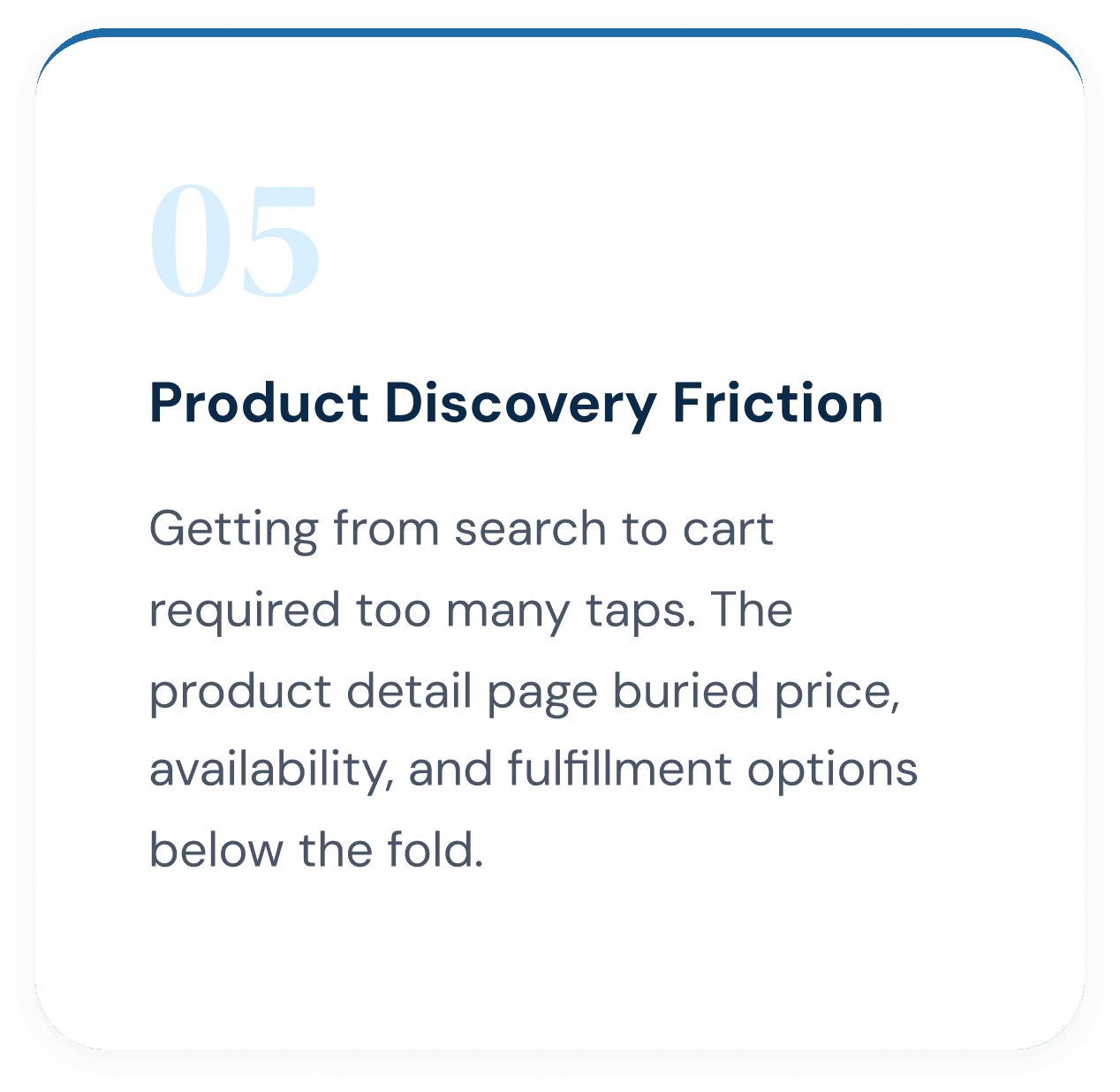
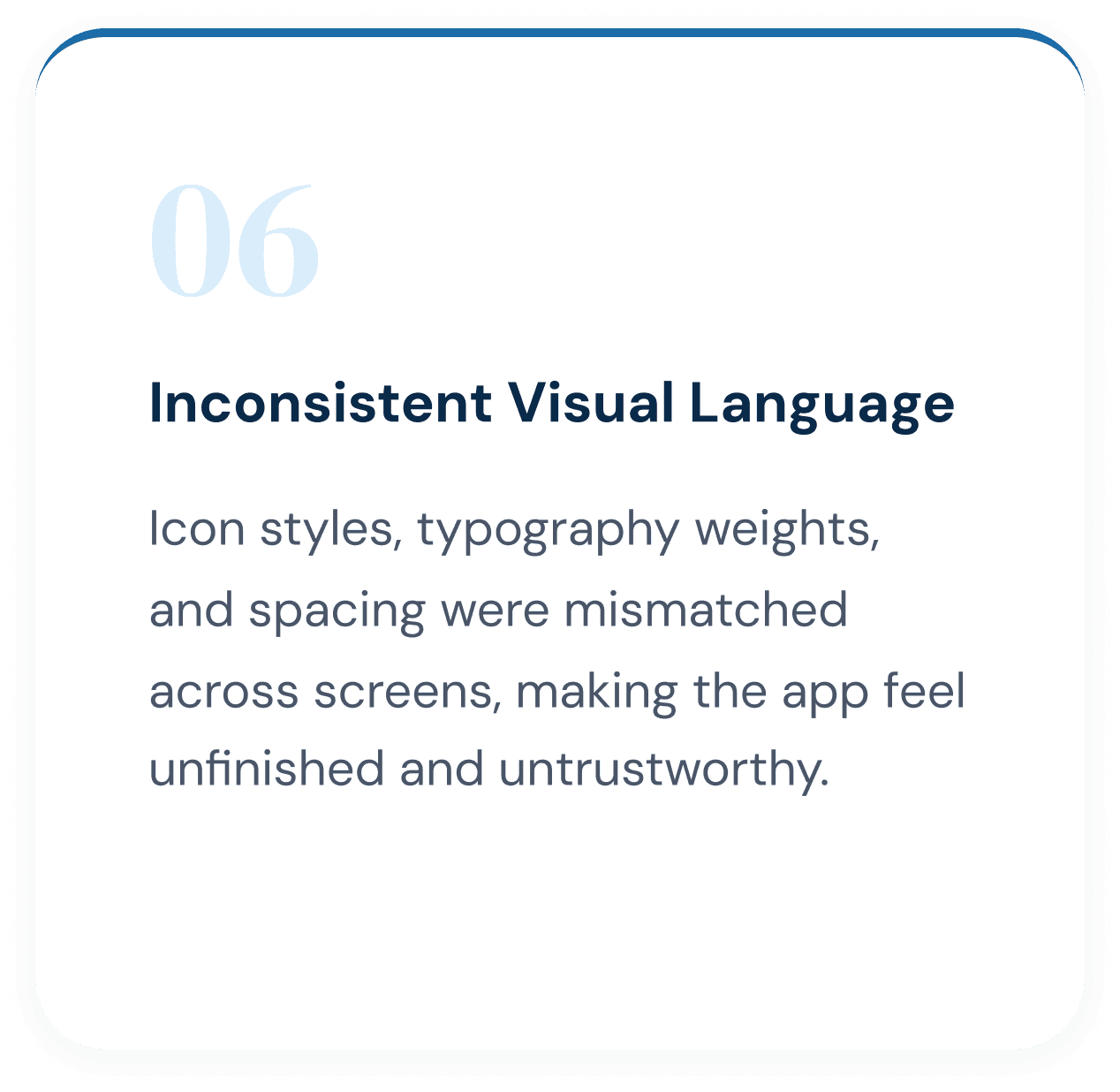
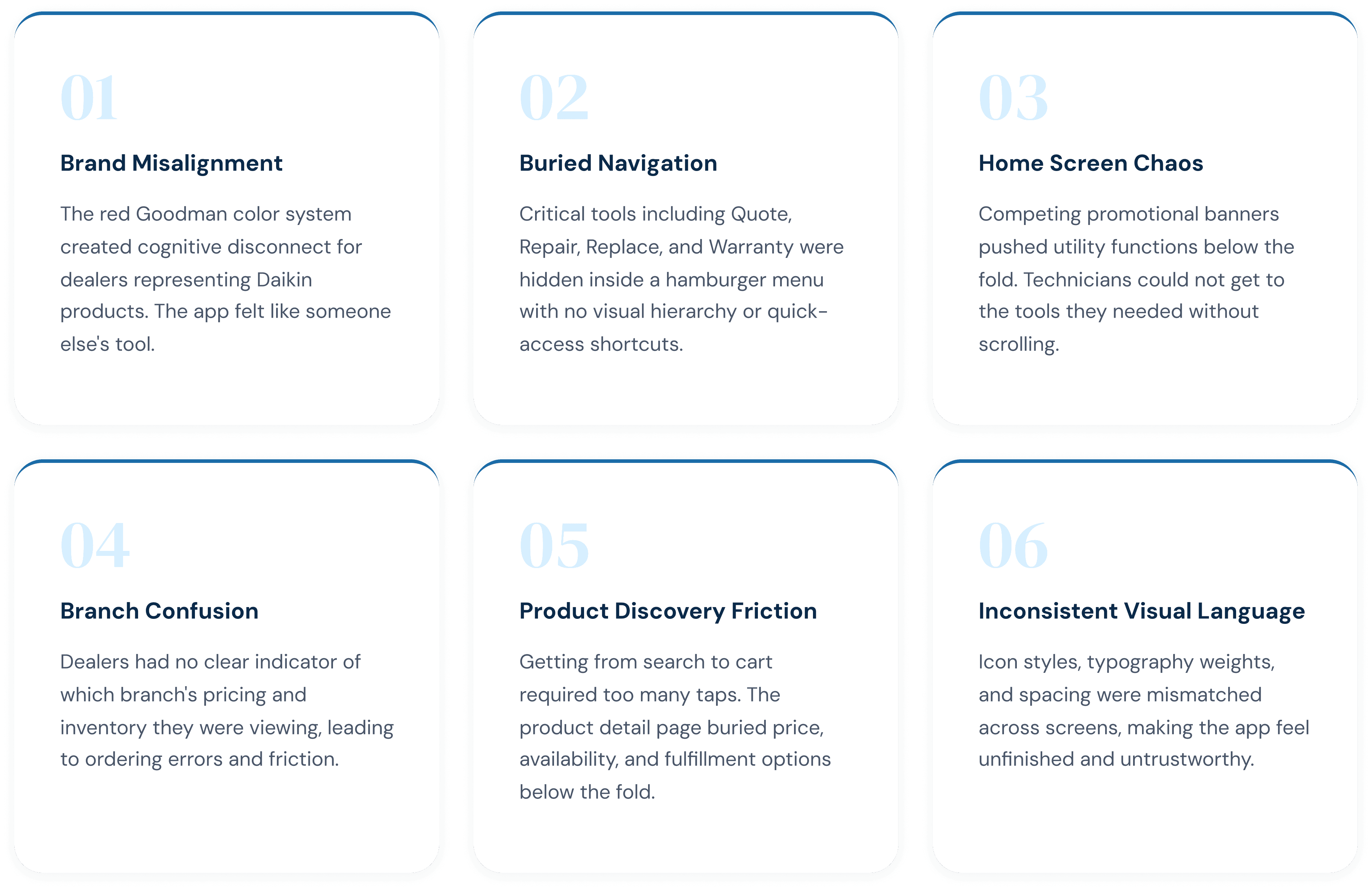
The Transformation
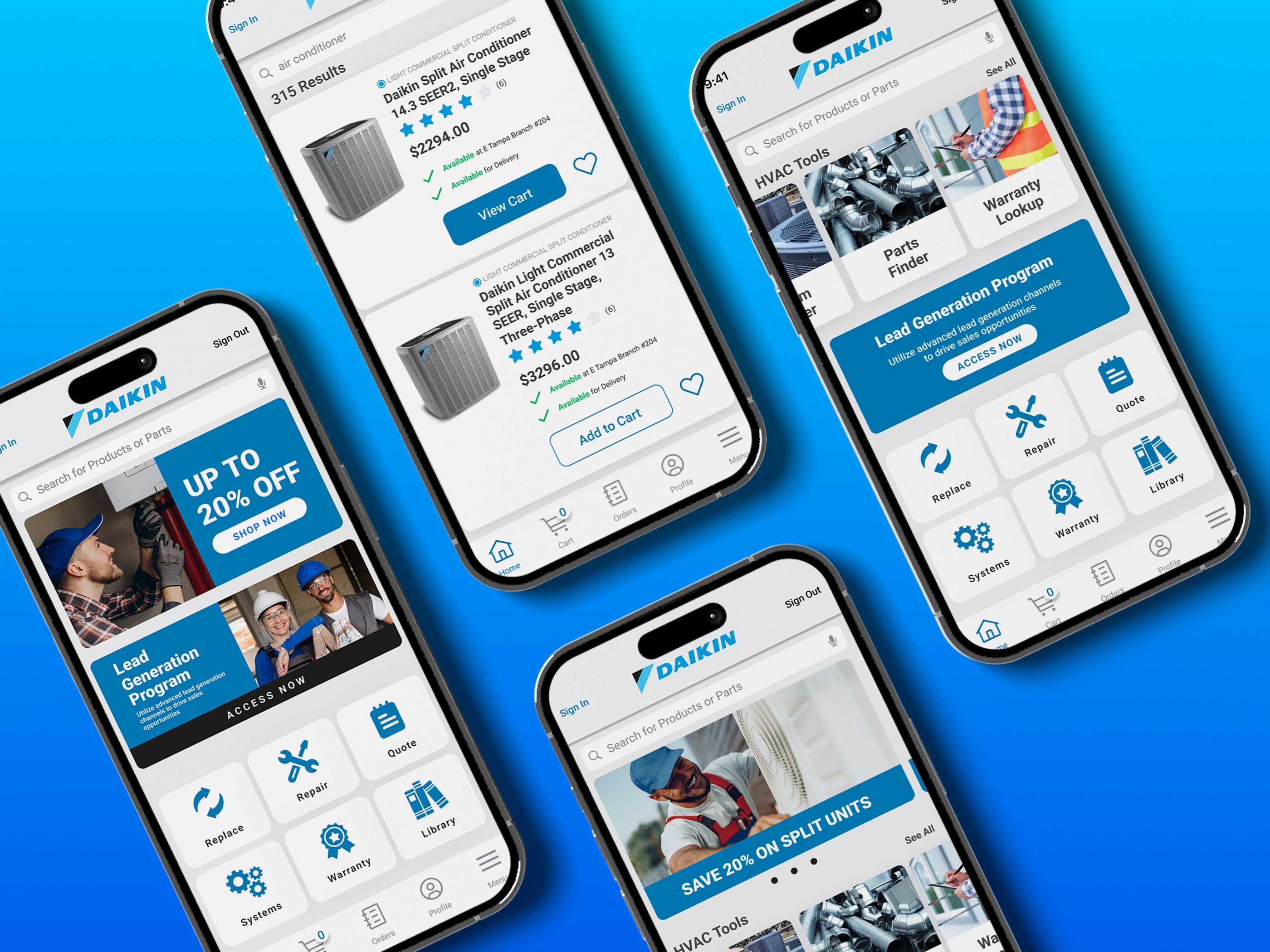
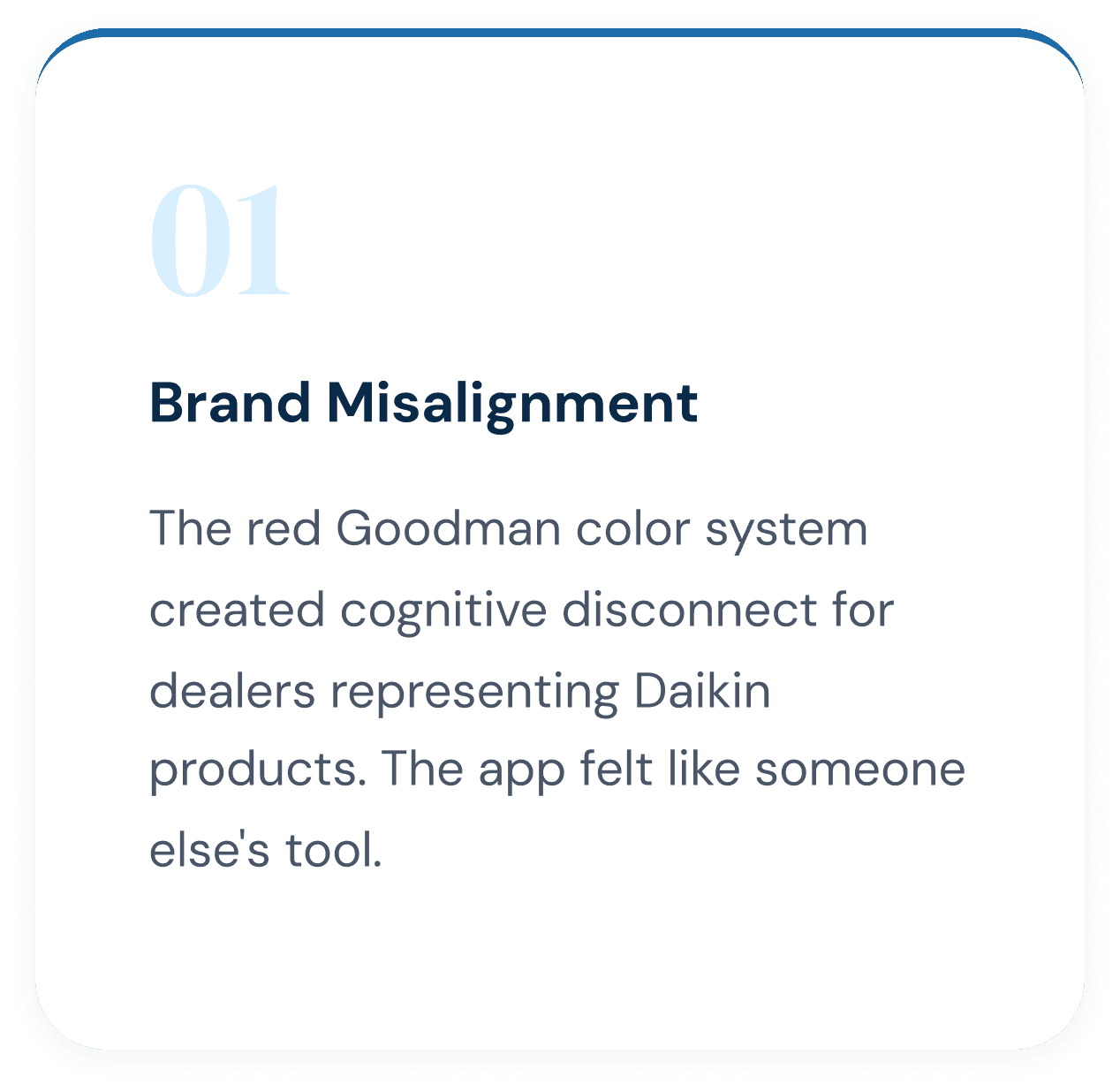
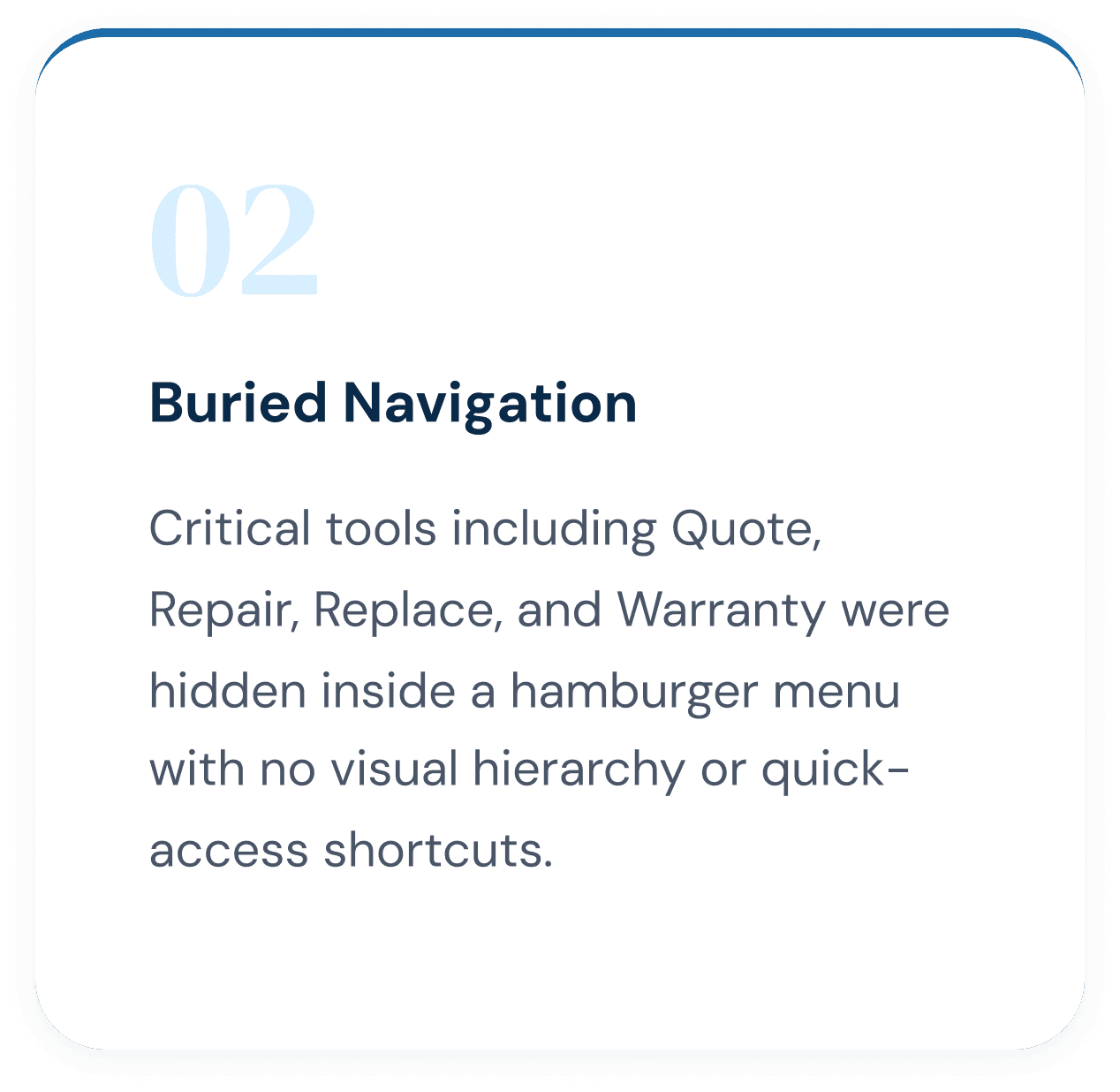
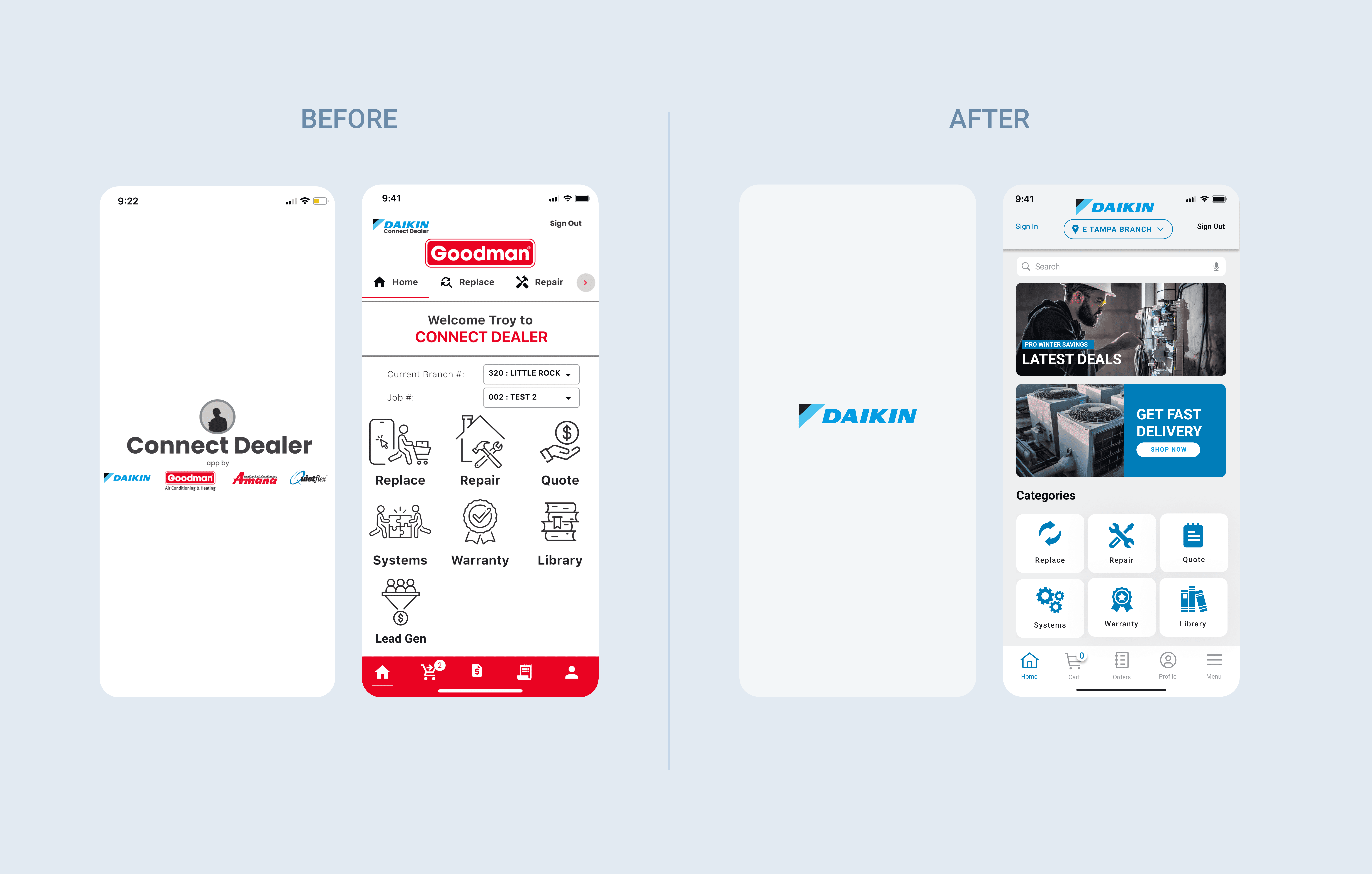
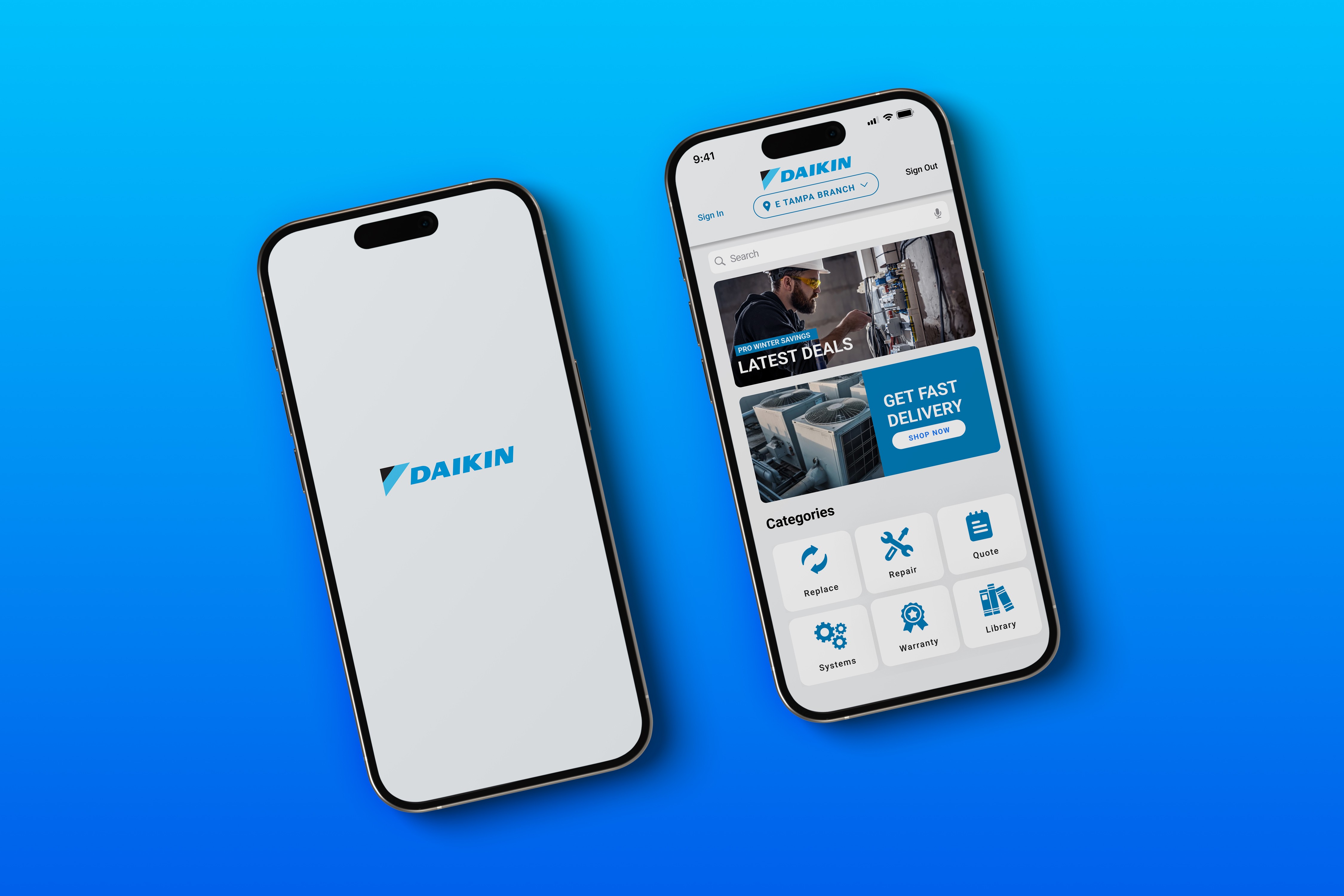
The legacy app ran on a red Goodman brand system that had no relationship to Daikin. Critical tools including Quote, Repair, Replace, and Warranty were buried inside a hamburger menu with no visual hierarchy, forcing technicians to hunt for the functions they needed most on every job. The redesign replaced the Goodman red with Daikin's signature blue system and moved all six core dealer actions into a persistent icon grid on the home screen. Every screen state was rebuilt around a unified design system: standardized typography, consistent spacing, and a color token structure built to scale with the product.
Design Process
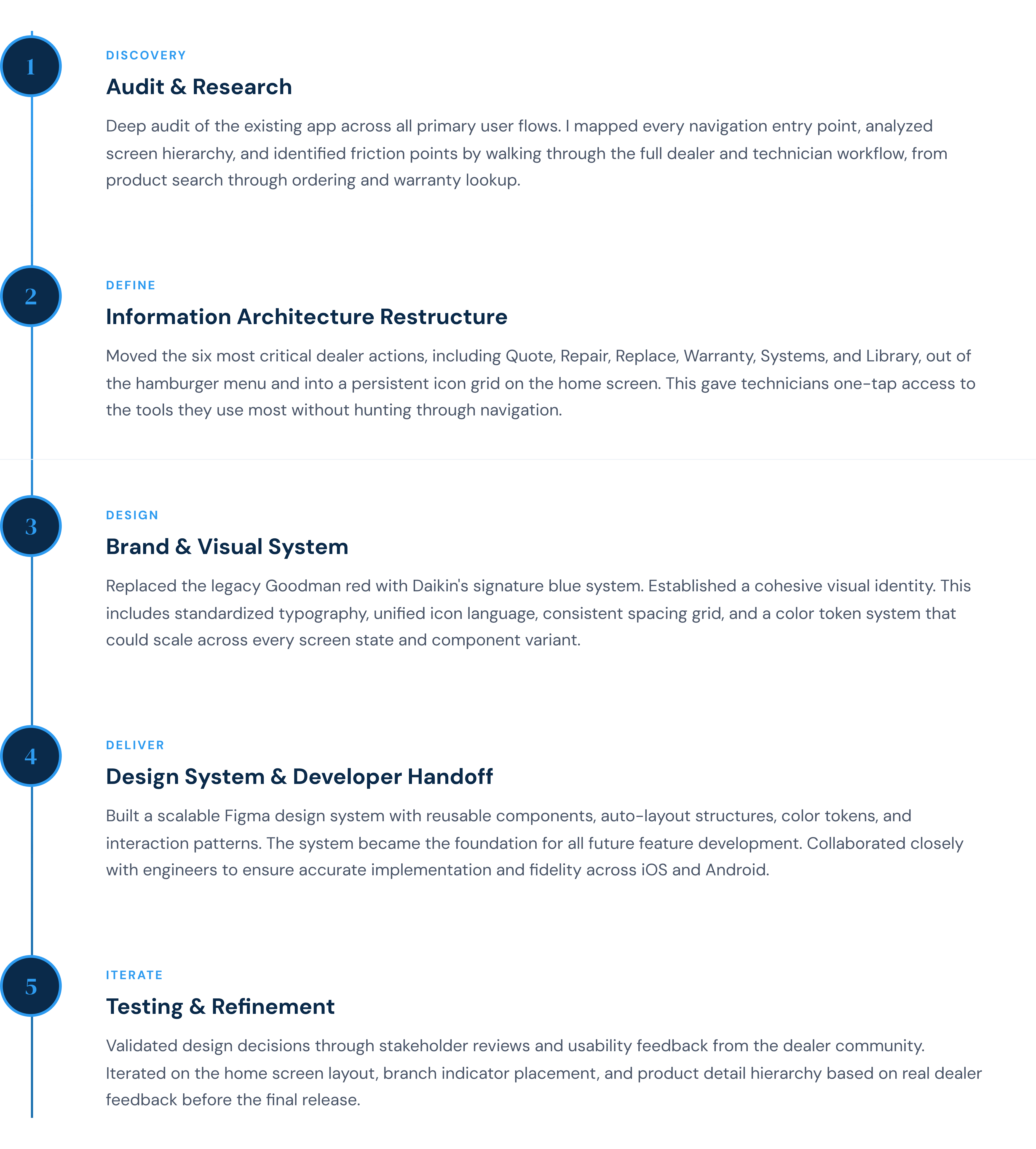
The redesign followed a five-phase process from discovery through iteration. The work began with a full audit of the existing app, mapping every user flow and identifying where the experience broke down for dealers and technicians in the field. From there the focus shifted to restructuring the information architecture, rebuilding the visual identity around the Daikin brand, and establishing a scalable design system that could support the full product suite. Each phase was validated with stakeholder input and dealer feedback before moving forward, ensuring the final product reflected how technicians actually work rather than how the legacy system assumed they did.

Measuring the Redesign
Results and Impact
The redesigned Daikin Connect Dealer App launched to measurable success across every key metric, driven by improved navigation clarity, faster tool access, and a visual identity that HVAC dealers could trust.
Key Design Decisions
Home Screen - Quick Action Grid
Moved 6 critical dealer tools from the hamburger menu into a persistent icon grid. One tap from any screen to Quote, Repair, Replace, Warranty, Systems, and Library.
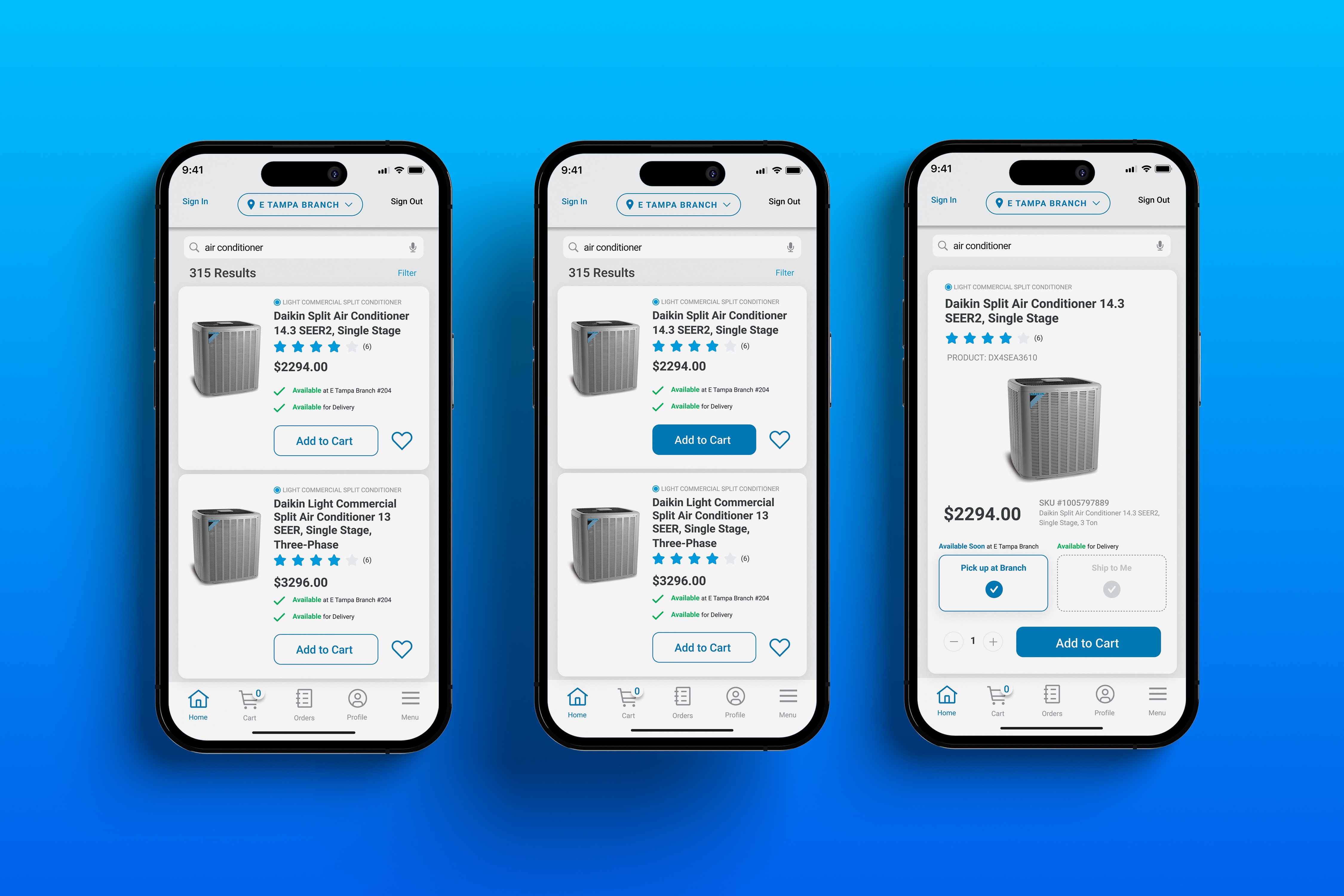
Product Detail - Streamlined Ordering
Price, SKU, branch availability, and fulfillment options all surface above the fold. Add to Cart is the dominant CTA. No more hunting through specs to find the order button.
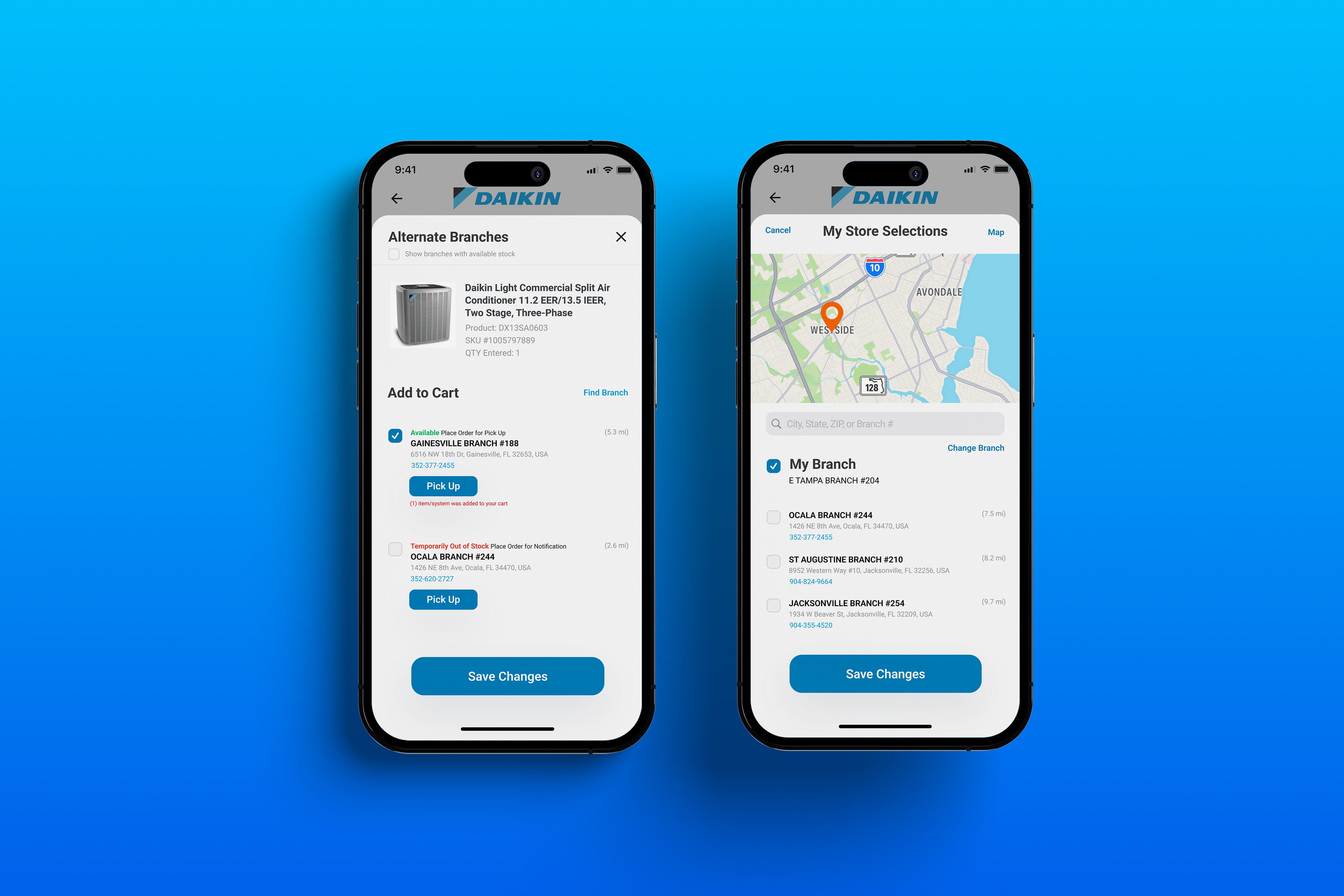
Branch Selection - Context Clarity
Branch indicator is now persistent in the header at all times. The branch selection screen surfaces nearby locations with inventory status, reducing ordering errors from wrong-branch context.
Home Screen Carousel Variants
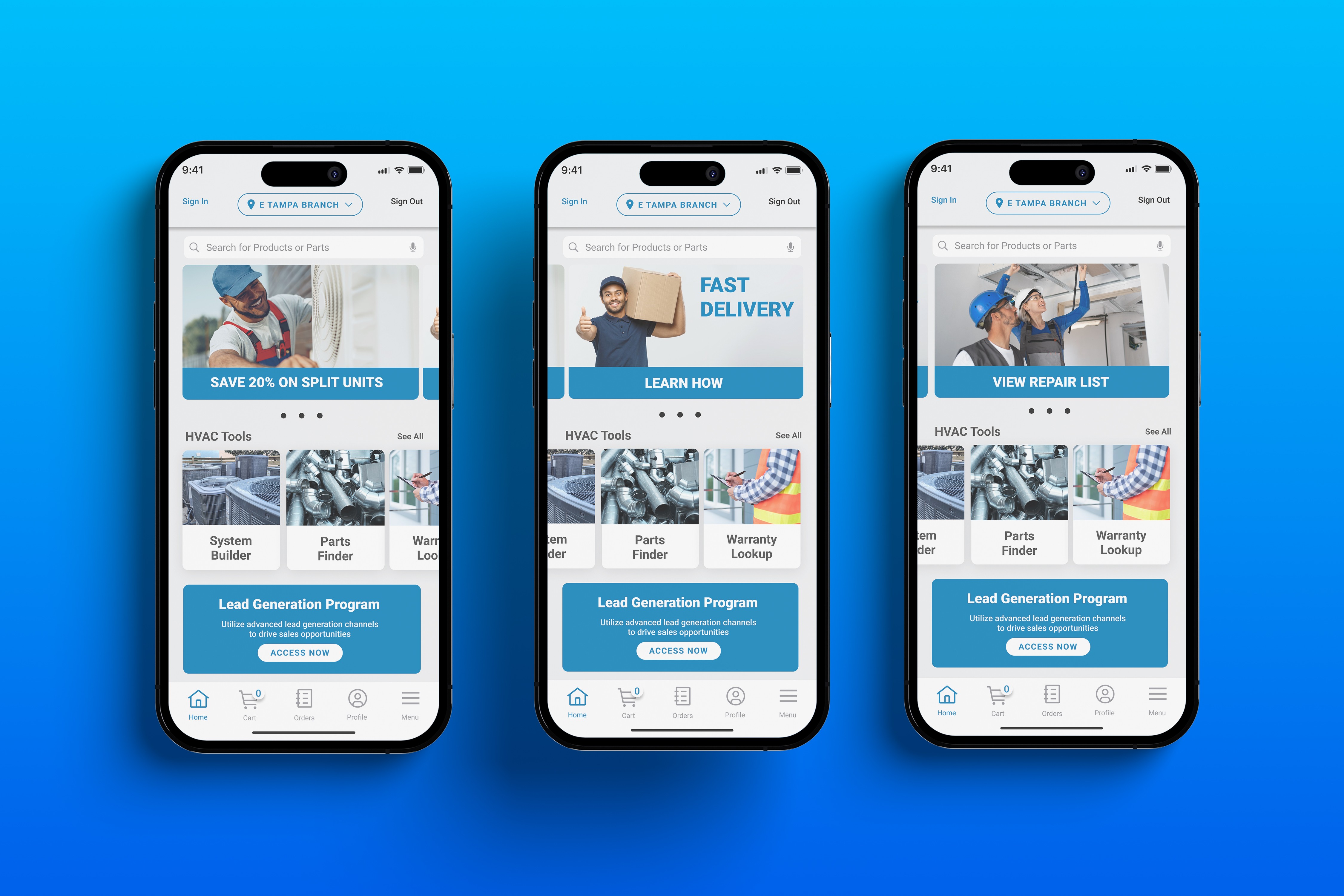
Promotional carousel reduced to a single rotating banner. Promotional content stays visible without competing with the utility tools that technicians need to do their jobs.
Conclusion
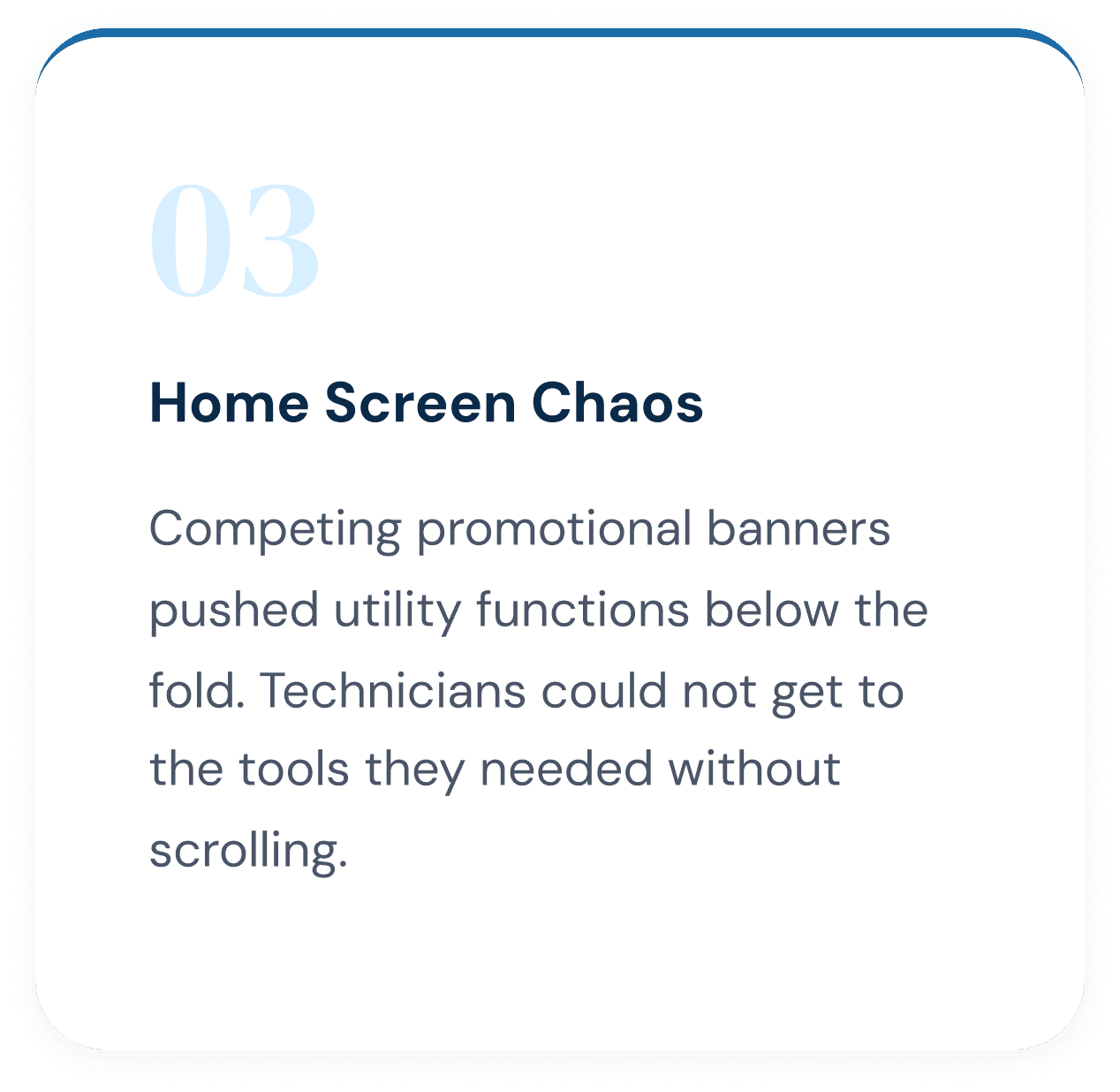
The central tension in this project was a home screen that had to serve two competing priorities at once. Business stakeholders needed promotional content visible above the fold to support lead generation. Technicians needed their most critical tools at their fingertips, on a job site, with no time to scroll. The insight that resolved it was recognizing that those two needs are not equal at every moment. Utility wins in the field. Promotional content has an audience in the office and between calls. Leading with the tool grid while keeping the carousel visible but contained solved the tension without sacrificing either side.
The deeper lessons drawn from this project extend beyond the home screen. Brand misalignment is a UX problem, not just a visual one. When an app looks like another company, trust erodes before the first tap. A design system is not overhead; it is the fastest path to consistent quality across a complex product at scale. If this work were extended, the natural next step would be a personalized home screen that adapts to time of day and job context, reducing cognitive load even further for technicians who need the app to work as fast as they do.